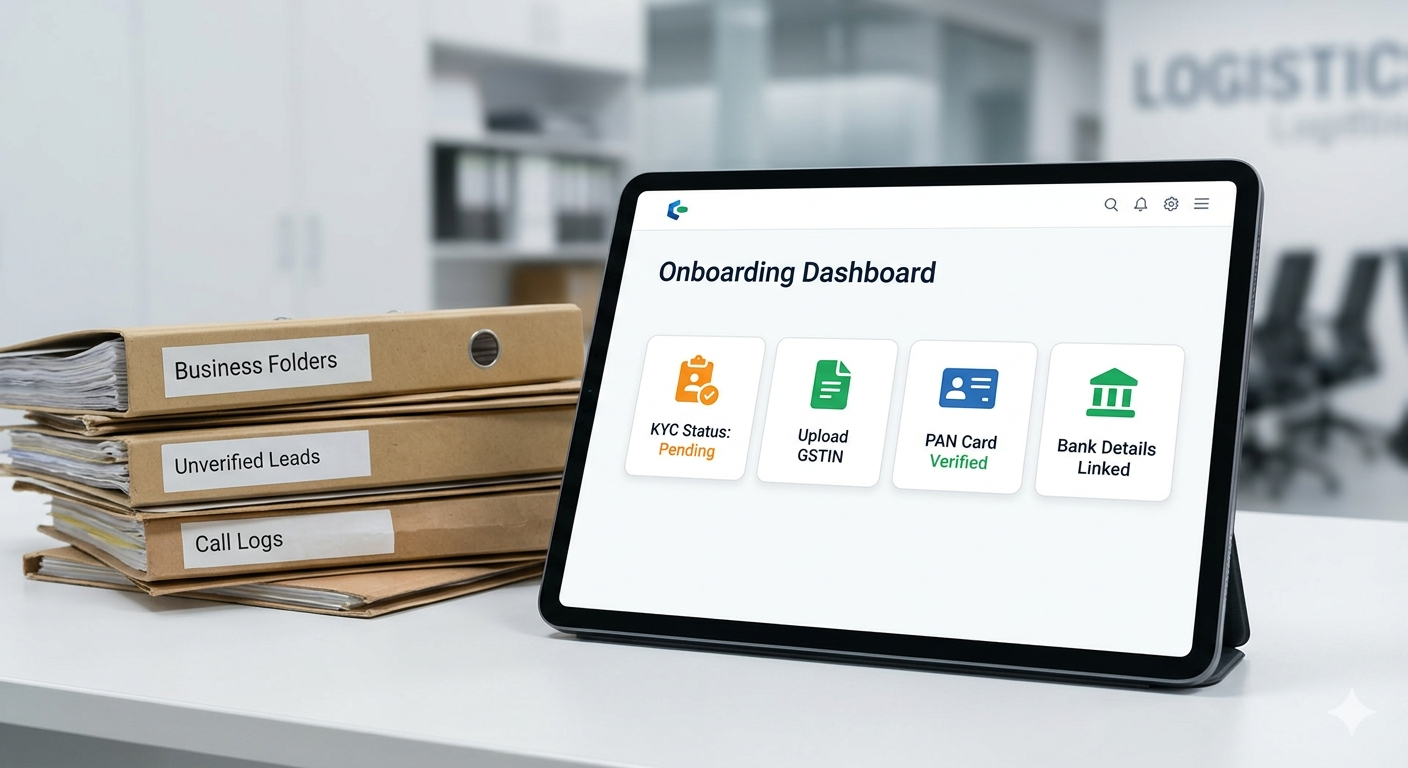
The traditional method of sourcing polymer
resins involves endless phone calls, unverified brokers, and opaque pricing.
Moving your procurement or sales pipeline to a digital marketplace solves these
friction points.
Here is a step-by-step operational guide on
how to set up your account, clear verification, and successfully execute your
first transaction on Polymers
Bazaar.
Phase 1: The Digital Onboarding Process
The onboarding framework is designed to
eliminate bad actors, ensuring that every buyer and seller on the network is a
legitimate, tax-registered commercial entity.
Step 1: Account Creation
- Visit the official Polymers Bazaar Portal or download their
official mobile application.
- Click on "Register" or "Sign Up".
- Enter your primary business mobile number and email address.
- Verify your identity using the automated One-Time Password
(OTP) sent to your device.
Step 2: Submitting Corporate KYC Data
To unlock trading capabilities, you must
submit your corporate Know Your Customer (KYC) documentation. This step
prevents fraud and ensures compliant tax invoicing. You will need to upload:
- GSTIN (Goods and Services Tax Identification Number): This verifies your business registration and tax status.
- Company PAN Card: For corporate
financial verification.
- Cancelled Cheque / Bank Details: To
link and validate your commercial bank account for future payouts or
refunds.
- Factory/Warehouse Address Proof:
Ensures logistics partners have accurate coordinates for freight picking
and dropping.
Step 3: Credit Line Assessment (Optional
for Buyers)
If you plan to utilize the platform's
credit-driven trading model rather than paying upfront via advance bank transfer,
you can submit your basic financial statements (such as recent GST returns or
audited balance sheets). The platform’s integrated financial partners use this
data to assign a revolving credit limit to your profile.
Phase 2: Executing and Closing Your
First Deal
Once your profile displays a "Verified"
status badge, you are ready to initiate your first trade. The system moves away
from a passive directory model, using a distinct, human-assisted sales engine
to close transactions.
[Post Requirement] ➔ [Algorithmic Matching] ➔ [Human-Assisted Closure] ➔ [Digital PI & Dispatch]
Step 4: Posting Your Requirements or
Inventory
- For Buyers (Posting an Indent):
Navigate to the dashboard and input your required material specs. Specify
the core polymer grade (e.g., PP Injection MFI 12 or BOPP Film
20 Micron), the exact volume needed in metric tonnes, your target
price per kilogram, and your delivery location.
- For Sellers (Listing Inventory):
Upload your available unallocated stock. Include clear manufacturer brand
names, exact product grade codes, warehouse locations, and your fixed
ex-mill or ex-warehouse asking price.
Step 5: Smart Matching and
Human-Assisted Negotiation
·
The
platform's backend matching engine pairs buyer indents with active seller
listings based on grade specification, geographical proximity, and price
alignment.
·
Once a
potential match is identified, a dedicated relationship manager is
assigned to the deal. This manager communicates directly with both parties to
resolve minor price deltas, clarify logistics timelines, and confirm strict
quality specifications.
Step 6: Confirming the Proforma Invoice
(PI) and Payment
- PI Generation: Once both parties
agree to terms, the platform generates a digital Proforma Invoice
containing exact breakdown fees, including base material cost, GST, and
freight charges.
- Securing Funds: The buyer settles
the invoice. This is done either through upfront RTGS/NEFT payment or by
utilizing their pre-approved platform credit line. The funds are held
securely until the shipment terms are validated.
Step 7: Managed Dispatch and Delivery
With payment secured, the platform's
integrated logistics network takes over:
- The seller receives a digital dispatch order to prepare the
material for pickup.
- A verified transport vehicle arrives at the seller's warehouse
to load the polymer resins or film rolls.
- The buyer receives an automated tracking link to monitor the shipment in real-time until it safely arrives at their factory gate.
Onboarding Checklist for Fast Approval
Before you click register, ensure you have
these items ready on your desk to compress your approval time down to under 24
hours:
- Active GSTIN login details or PDF copy
- Clear digital scan of Company PAN
- Digital copy of a cancelled company cheque
- Exact loading/unloading address with pin code
- Specific list of polymer grades you trade most frequently
Are you ready to modernize your raw
material procurement? Register your business profile directly on the Polymers
Bazaar Website today to gain immediate access to verified pricing and reliable
supply chains.